Your forms, on your own domain.
Swap forms.shaheermalik.com/f/… for forms.yourbrand.com. Add one DNS record, we issue the HTTPS certificate, and every form you publish follows.
1 →
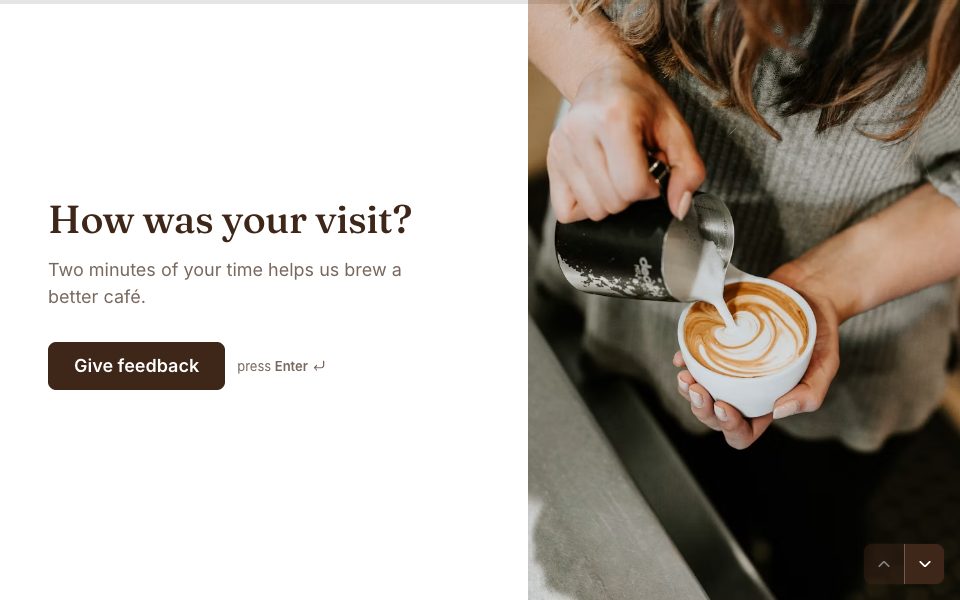
Overall, how would you rate your visit?
What you get
One record, no servers
Add a CNAME at your DNS provider. There’s nothing to host, renew or keep running on your side.
HTTPS included
A certificate is issued and renewed for you. Respondents see the padlock and your name, not ours.
A form at the root
Pick which form opens at forms.yourbrand.com itself. Every other published form works at its own path.
Your brand in every link
The browser bar, link previews and canonical address all show your domain, so people trust the link before they tap it.
Only your forms
A domain serves its owner’s forms and nothing else. No one else’s form can ever appear on your address.
Checks itself
Settings re-checks DNS every 20 seconds and turns green the moment you’re live. Or press Check now.
Set it up in three steps
- 1
Go Pro and open Settings → Custom domains.
- 2
Add a subdomain like forms.yourbrand.com, then create the CNAME record shown to you.
- 3
Wait for the green Active badge, usually a few minutes, and share your new links.
- CNAME
- forms
- domains.shaheercare.com
forms.yourbrand.com




Custom domains, answered
Does a custom domain cost extra?+
No. One custom domain is included with Forms Pro ($19 a month, or $144 a year). There’s no per-domain fee and no certificate to buy.
Can I use my root domain, like yourbrand.com?+
Use a subdomain such as forms.yourbrand.com or survey.yourbrand.com. DNS doesn’t allow a CNAME record on a root domain, so Forms asks for a subdomain and keeps your main website untouched.
What DNS record do I add?+
A CNAME record. The name is your subdomain (for example “forms”) and the target is domains.shaheercare.com. Settings shows both with copy buttons.
I use Cloudflare for DNS. Anything special?+
Set the record to “DNS only” (the grey cloud) instead of proxied. Everything else is the same as any other provider.
Do my existing links stop working?+
No. Your forms stay live at forms.shaheermalik.com/f/… as well, so links you’ve already shared keep working.
Can I connect more than one domain?+
Pro includes one custom domain per account. To switch to a different one, remove the current domain in Settings and add the new one.


Put your forms on your own domain.
Pro is $19 a month: unlimited forms and responses, webhooks, and your own domain with HTTPS included.
Get Pro