Put your form anywhere on your site.
One snippet, four styles. Embed it in the page, open it as a popup, slide it in from the side, or pin a tab to the edge.
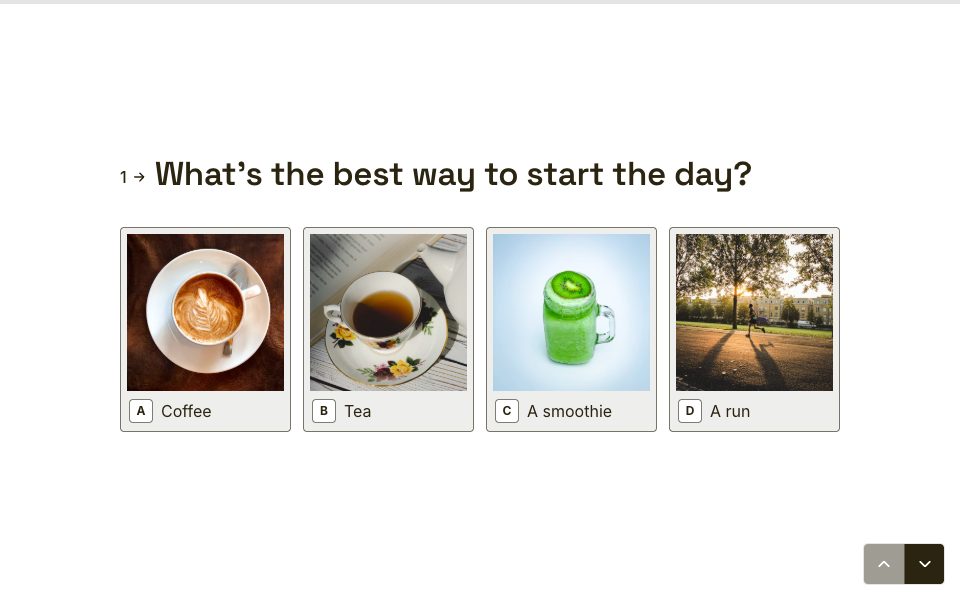
1 →
Thanks for reaching out. What’s your message about?
What you get
Inline
Sits in your page like it was built there, and resizes to fit each question.
Popup
Opens over the page from any button or link.
Slider and side tab
Slides in from the edge, or waits in a tab until someone’s ready.
Links and QR codes
Share a link, or download a QR code for posters, menus and packaging.
Your own domain
On Pro, share forms at forms.yourbrand.com instead of our address.
Fast and private
No tracking cookies on public forms, and bot protection that stays invisible for real people.
Set it up in three steps
- 1
Open a form’s Share tab and choose an embed style.
- 2
Copy the snippet.
- 3
Paste it into your site’s HTML or embed block. That’s it.
Free to start
Every plan includes this, Free too. One active form and 100 responses a month, no card needed.
Compare plans
Embeds, answered
Does embedding cost extra?+
No. Every embed style is on every plan, Free included.
Will it work with my website builder?+
If your builder lets you paste HTML or an embed code, it works. That includes WordPress, Webflow and Framer.
Can I embed more than one form on a page?+
Yes. Each snippet points to its own form.
Do embeds slow my site down?+
The form loads in its own frame after your page, so it doesn’t hold up your content.


Try embeds free.
Every plan includes it. Make your first form in minutes, no card needed.
Start free