Forms that look like your brand.
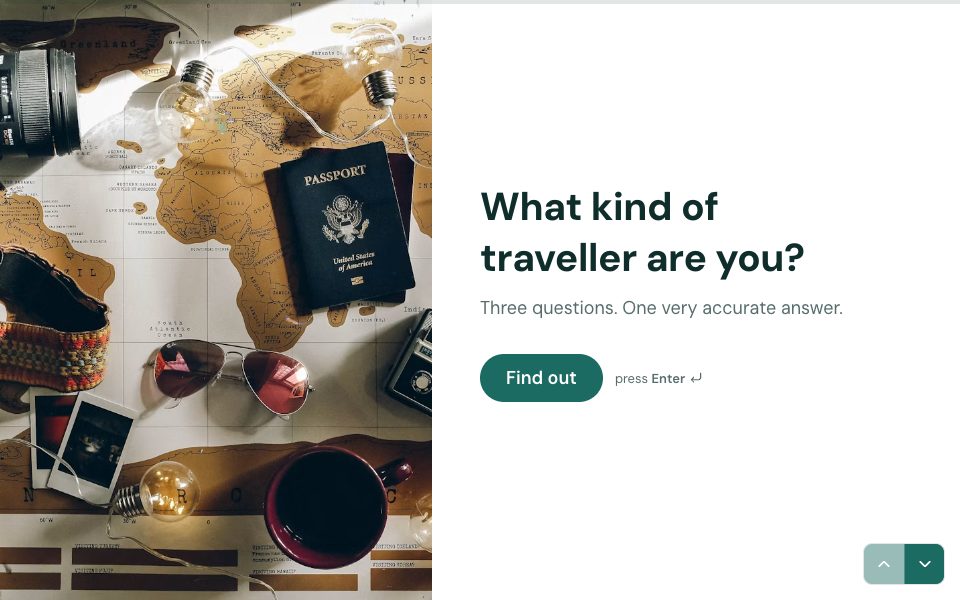
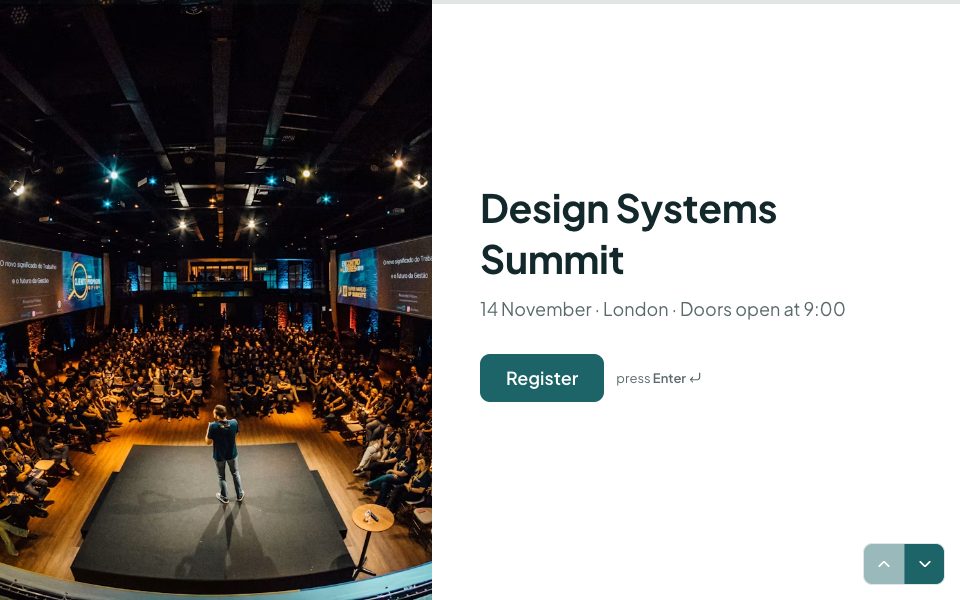
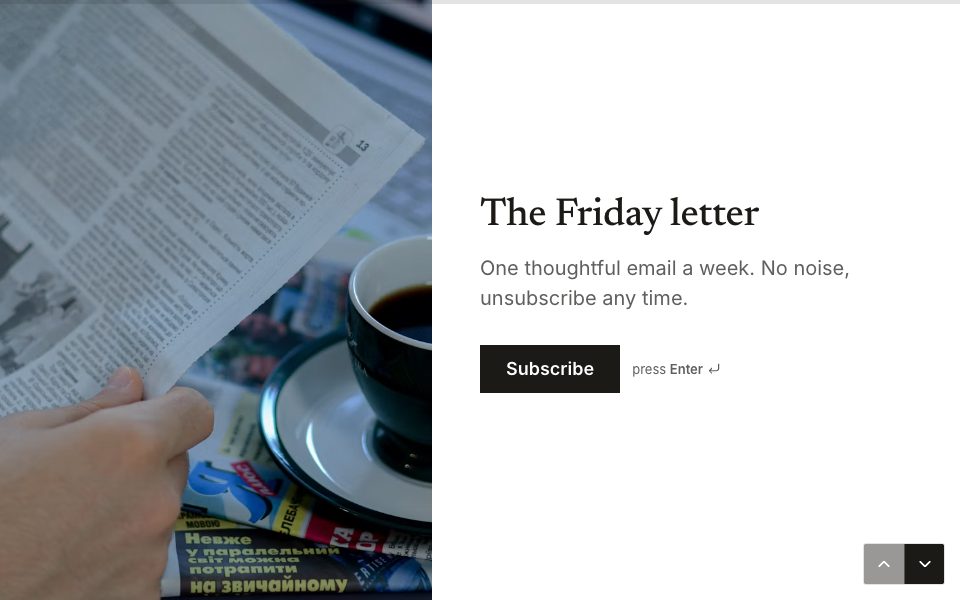
Start from a theme, then make it yours: colours, fonts, backgrounds, layouts and motion. Contrast checks keep everything readable.
1 →
Hello! Which lovely guest is this?
What you get
Twelve themes
Light and dark starting points that already pass contrast checks.
Eleven fonts
Serif, sans and display faces, loaded fast from our own servers.
Backgrounds and layouts
Colour, gradient, photo or video, with centred, split, stacked and full-background layouts per screen.
Motion
Subtle transitions between questions, and confetti on the ending if you like.
Contrast checks
The builder warns you before a colour choice makes text hard to read.
Saved themes
Save your brand theme once and apply it to any form in a click.
Set it up in three steps
- 1
Open the Design panel on any form.
- 2
Pick a theme, then adjust colours, fonts and backgrounds.
- 3
Save it as a theme to reuse everywhere.
Free to start
Every plan includes this, Free too. One active form and 100 responses a month, no card needed.
Compare plans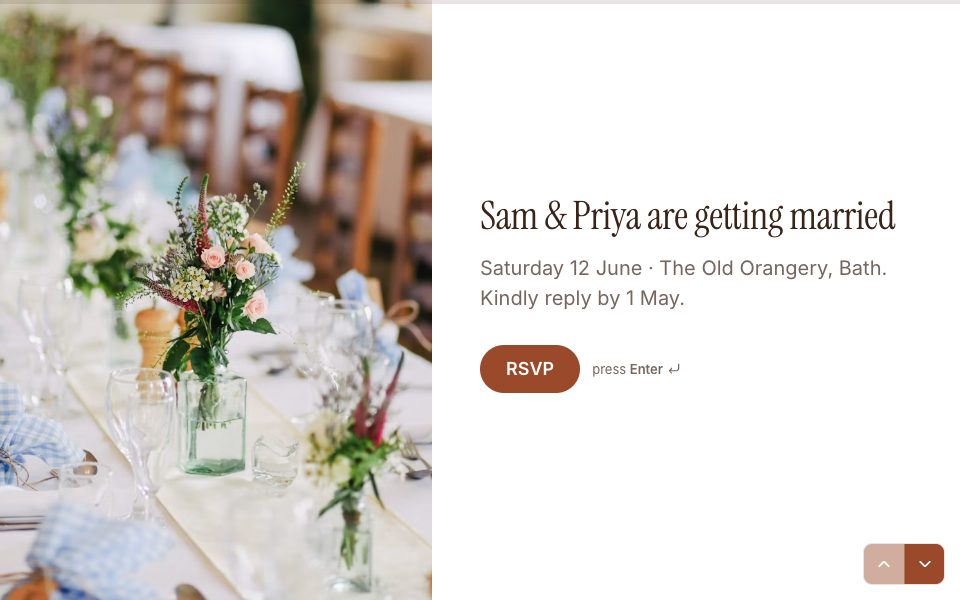
Design & themes, answered
Is custom design on the Free plan?+
Yes. Themes, fonts, backgrounds and layouts are on every plan.
Can I use my brand colours?+
Yes. Set any colour for the background, questions, answers and buttons.
Can I use video backgrounds?+
Yes. Use a video, photo or gradient behind any screen.
Will my form work on phones?+
Yes. Every layout adapts to small screens, and every question is touch-friendly.


Try design & themes free.
Every plan includes it. Make your first form in minutes, no card needed.
Start free