Describe it. Get the form.
Type what you need, or attach a photo of a paper form. AI writes the questions, adds logic and payments, picks a look, and you watch it take shape.
1 →
Overall, how would you rate your visit?
What you get
Watch it build
Questions appear one by one as the AI writes them, then your form opens in the builder.
From a photo
Attach a photo of a paper form or a screenshot, and AI recreates it as a real form.
Logic included
Follow-ups by rating, routing by answer and quiz scores are written as real rules you can edit.
Edit by asking
“Make it friendlier”, “add a budget question”, “translate into French”. You see what changed, with one-click undo.
Never breaks your form
Everything the AI writes is checked against the builder’s own rules before it’s applied.
Your data stays yours
Prompts aren’t used to train AI models, and respondents’ answers are never sent to AI.
Set it up in three steps
- 1
Go Pro and open Home.
- 2
Describe your form, or attach a photo of one, and press Enter.
- 3
Watch it build, then fine-tune it with Ask AI in the builder.
Free to start
Build and test on the Free plan, then go Pro when you’re ready to switch it on.
Compare plans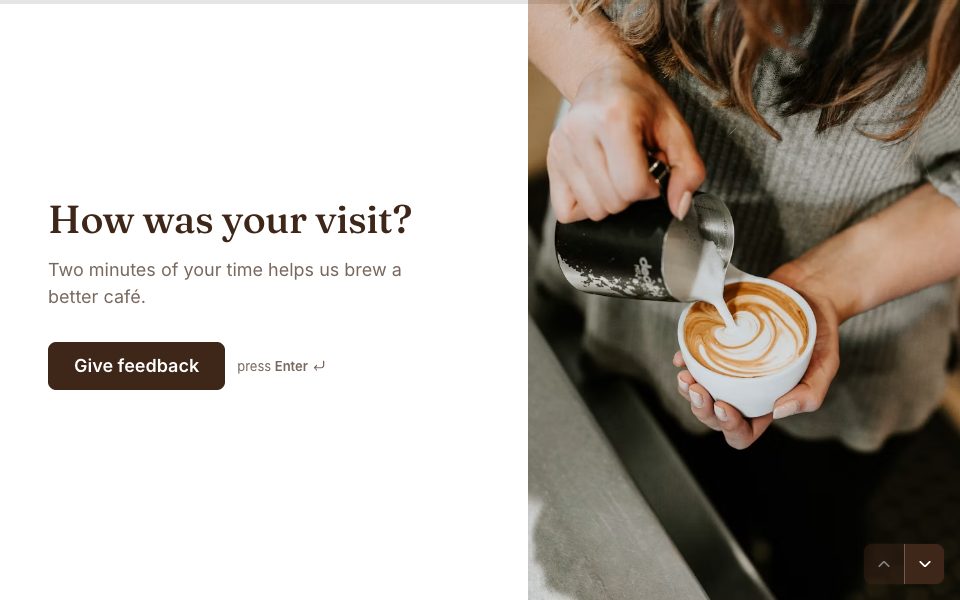




AI form builder, answered
Is the AI form builder included in Pro?+
Yes. Pro ($19 a month) includes 100 AI form builds and 500 AI edits a month. AI isn’t available on the Free plan.
Which AI model does Forms use?+
OpenAI’s GPT-6 Luna, with GPT-6.1 Sol stepping in when a form needs extra care.
Does the AI see my responses?+
No. It only sees the form you’re building or editing and your instructions. Respondents’ answers are never sent to it.
Can the AI break my form?+
No. Every change is validated before it’s applied, and you can undo any AI edit in one click.
What happens if I reach the monthly limit?+
AI limits reset on the 1st of each month. If you need more, write to us and we’ll raise them.


Get AI form builder with Pro.
Pro is $19 a month: unlimited forms and responses, webhooks, and your own domain with HTTPS included.
Get Pro