Client consultation template
Understand exactly what a new client needs before you meet, so the first call goes further.
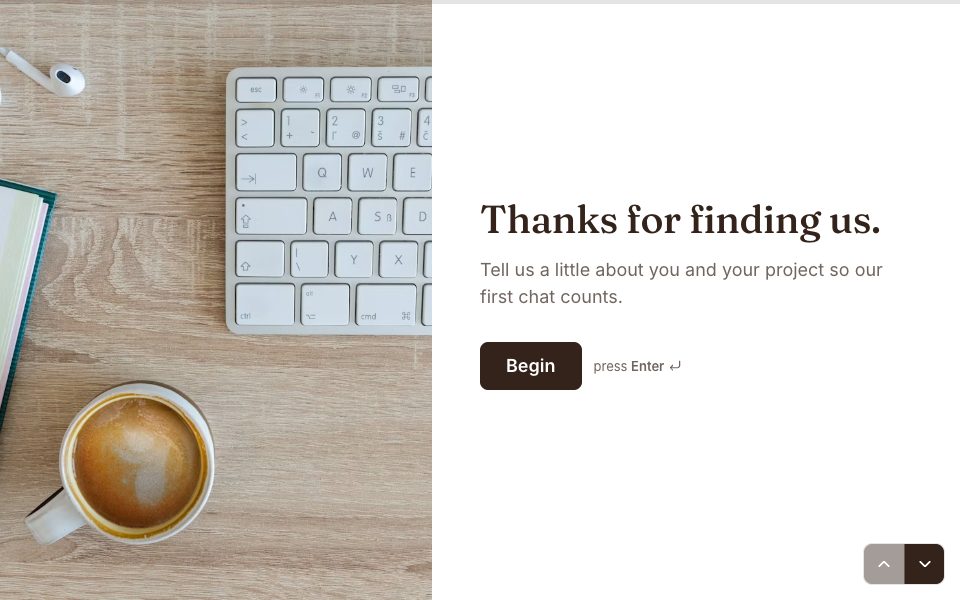
Try it before you use it
This is the real form. Answer it like your respondents would; nothing you type is saved.
1 →
Let’s start simple — what’s your first name?
What’s in the client consultation template
8 questions, one at a time. Edit, reorder or remove any of them.
-
Let’s start simple — what’s your first name?
-
Great, …. Which company are you with?
-
Is this for you, your team or the whole company?
-
What would you like help with?
-
OK — tell us a bit more about what you need.
-
Got it. What’s your email?
-
And the best number to reach you?
-
Finally, which day suits you for a first call?
Built in
Personal touches
Earlier answers, like a name, are recalled in later questions.
Your own domain
On Pro, share it at forms.yourbrand.com instead of our address.
Straight to Google Sheets
Every response can land in a spreadsheet within seconds.
Embed anywhere
Put it on your site inline, as a popup or as a side tab.
How to use this template
Use the template
Sign up free and the template opens as your own copy.
Make it yours
Edit the questions, swap the photo, set your colours and logic.
Share it
Send the link, embed it on your site, or put it on your own domain.
Client consultation template, answered
Is the client consultation template free?+
Yes. The Client consultation template is free on every plan. The Free plan includes one active form and 100 responses a month, with no card needed.
Can I change the questions and design?+
Yes. Click any text to edit it, add or remove questions, change the photos, colours and fonts, and add your own logic.
How long does it take to fill in?+
About 3 minutes. It has 8 questions, shown one at a time.
Where do the responses go?+
To your Forms results, with charts for each question. You can also export CSV or JSON, send them to Google Sheets, or on Pro post them to a webhook.
Can I put this form on my own website?+
Yes. Embed it inline, as a popup or as a side tab, share a link or QR code, or on Pro, host it on your own domain.
More lead generation templates
See all



Use the client consultation template free.
Make it yours in minutes. No card needed.
Use this template